
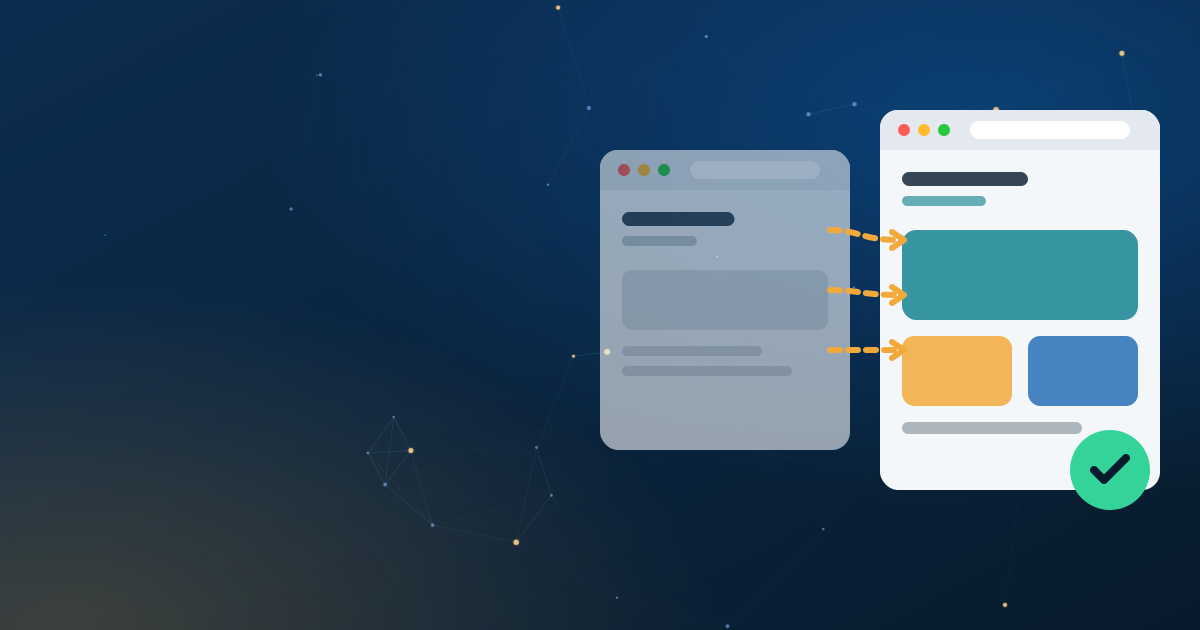
Website redesign: how not to lose your SEO
A technical guide to redesigning a website without losing your Google rankings: preliminary audit, 301 redirect plan, migration and post-launch monitoring.
Contents 7 sections
A redesign can multiply your visibility. It can also wipe out years of SEO work, sometimes in a few days.
The difference is not down to luck: it is down to preparation. Here is the complete method to redesign without losing anything.
Why redesigns make traffic drop
The classic scenario repeats itself in almost every case of a drop:
- The URLs change, but no redirect is put in place. Every old address becomes a 404 error.
- The content is rewritten carelessly, losing the keywords that ranked the page.
- Pages that generated traffic are deleted because they seemed “useless”.
- The internal linking structure is broken.
- Tags and structured data disappear.
None of these problems is inevitable. All of them can be prevented with a serious preliminary audit.
Phase 1: the audit comes first
Don’t touch anything before you understand what you have.
Map all existing URLs
Get the complete list of your website’s pages. The sources:
- Search Console » Coverage / Pages — the URLs Google knows.
- A full crawl with a tool such as Screaming Frog or Sitebulb.
- The existing sitemap, if it is up to date.
- Server logs — the pages actually visited.
Cross-check these sources: they do not always overlap, and a URL present in only one of them still counts.
Identify the pages that perform
Not all pages are equal. Spot the ones that:
- generate the most organic traffic (Search Console » Performance),
- convert best,
- receive the most inbound links (Search Console » Links).
These pages are the priority: they must lose neither their content, nor their URL, nor their authority.
List the keywords for each page
For each important page, note the queries it currently ranks for. It is your reference for checking, after the redesign, that nothing has been lost.
Analyse the weak points
Use the audit to identify what needs to change:
- pages that are too slow,
- outdated or incomplete content,
- cannibalisation between several pages,
- technical problems (errors, redirect chains, duplicate content).
Phase 2: the new architecture
Decide the fate of each URL
For each existing page, only one decision is possible:
| Decision | When to apply it |
|---|---|
| Keep the URL | The page performs well and its structure is still relevant |
| Redirect (301) | The page has an equivalent in the new structure |
| Merge | Several pages cover the same subject » one more complete page |
| Delete | Content with no value, no traffic and no inbound links |
Never delete a page that generates traffic, even if it seems secondary to you. You would be surprised by the traffic generated by forgotten pages.
Build the 301 redirect plan
It is the most important document of your redesign. It matches each old URL with its new address.
Rules to follow:
- One redirect per URL, never in bulk to the home page. Redirecting 200 pages to the home page is interpreted as missing content and loses the accumulated authority.
- Redirect to the closest page in terms of content, not the most convenient one.
- No redirect chains. A » B » C loses authority and slows loading. Redirect directly A » C.
- Avoid loops. A » B and B » A blocks the page completely.
Preserve valuable content
Rewrite, modernise, restructure — but do not remove the sections that rank the page. If a page ranks for “showcase website price Tunisia”, the keyword “price” and the mention of Tunisia must remain in the new version.
Phase 3: the migration
Work in a test environment
Build and test the new website in a separate environment, protected from indexing by a password or a noindex tag. Never make it publicly accessible before the switchover.
Check before switching over
Pre-launch checklist:
| Checkpoint | Validation criterion |
|---|---|
| 301 redirects | All in place, tested one by one, no chains or loops |
| Indexing | No important page set to noindex by mistake |
| Tags | title and meta description filled in on every page |
| Structured data | Present and valid (tested with Google’s validator) |
| Sitemap | New sitemap generated and accessible |
| Internal linking | Consistent links, no orphan pages |
| Core Web Vitals | LCP, INP and CLS within the recommended thresholds |
robots.txt | Crawling allowed, no accidental blocking |
| Forms | Tested and working |
| Security | All URLs on HTTPS |
Carry out the switchover
Ideally during a low-traffic period. Monitor immediately:
- 404 errors in the logs,
- server errors (5xx),
- that the redirects work properly.
Update the sitemap and Search Console
Submit the new sitemap, check that Google crawls the new pages. Use the “URL Inspection” tool to test a few important pages and request their reindexing.
Phase 4: monitoring after the redesign
The 60 days that follow determine whether the redesign is a success.
Monitor every week
- 404 errors — in Search Console and the server logs. Every 404 is a forgotten redirect.
- Rankings — on your list of keywords established in phase 1.
- Organic traffic — by page, to identify those that drop.
- Impressions and clicks — in Search Console.
- Core Web Vitals — to confirm the performance gains.
React quickly
A drop is often temporary: Google needs to recrawl and reassess. But if a page loses traffic after two weeks:
- Check that its redirect works.
- Compare its content with the old one.
- Check its tags.
- Inspect its indexing in Search Console.
Normal timelines
A slight fluctuation of 2 to 4 weeks after a redesign is normal. A lasting drop beyond two months indicates a problem to fix.
The most costly mistakes
- Redirecting all old pages to the home page. The most common and most destructive mistake.
- Not doing a preliminary audit. You discover the problems after the switchover, when it is too late.
- Deleting “useless” pages that actually generated traffic.
- Forgetting to update the sitemap.
- Neglecting post-launch monitoring. 404s can be fixed in an hour if they are detected.
- Changing URLs for no reason. If the current URL works, keep it.
In short
A successful redesign comes down to four phases: a complete audit of what exists, a well-thought-out architecture with an exhaustive redirect plan, a tested and controlled migration, and close monitoring for 60 days. None of these phases is optional.
Preparing a redesign and want to avoid a drop in traffic? We carry out a preliminary audit that identifies exactly what needs to be preserved and how to migrate without risk.
Also worth reading
-
 Pricing
Website cost in Tunisia: the real prices in 2026
How much does building a website in Tunisia really cost in 2026? A detailed price list in dinars, cost items and the traps to avoid.
Read the guide 8 min -
 Pricing
Showcase website cost in Tunisia: what justifies every dinar
What budget should you plan for a showcase website in Tunisia? An item-by-item breakdown of prices, from design to launch, and how to compare quotes.
Read the guide 7 min -
 E-commerce
How much does an e-commerce website cost in Tunisia?
The real budget for an online store in Tunisia: development, local payment, hosting and hidden costs. 2026 price ranges and advice for investing wisely.
Read the guide 8 min